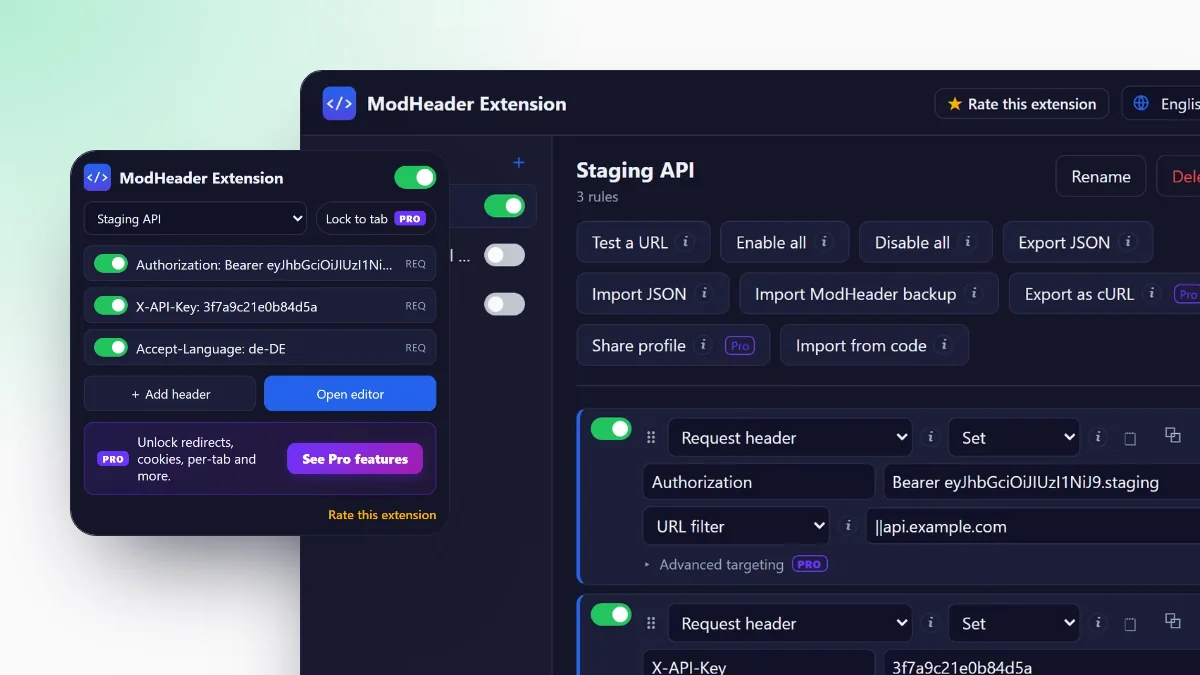
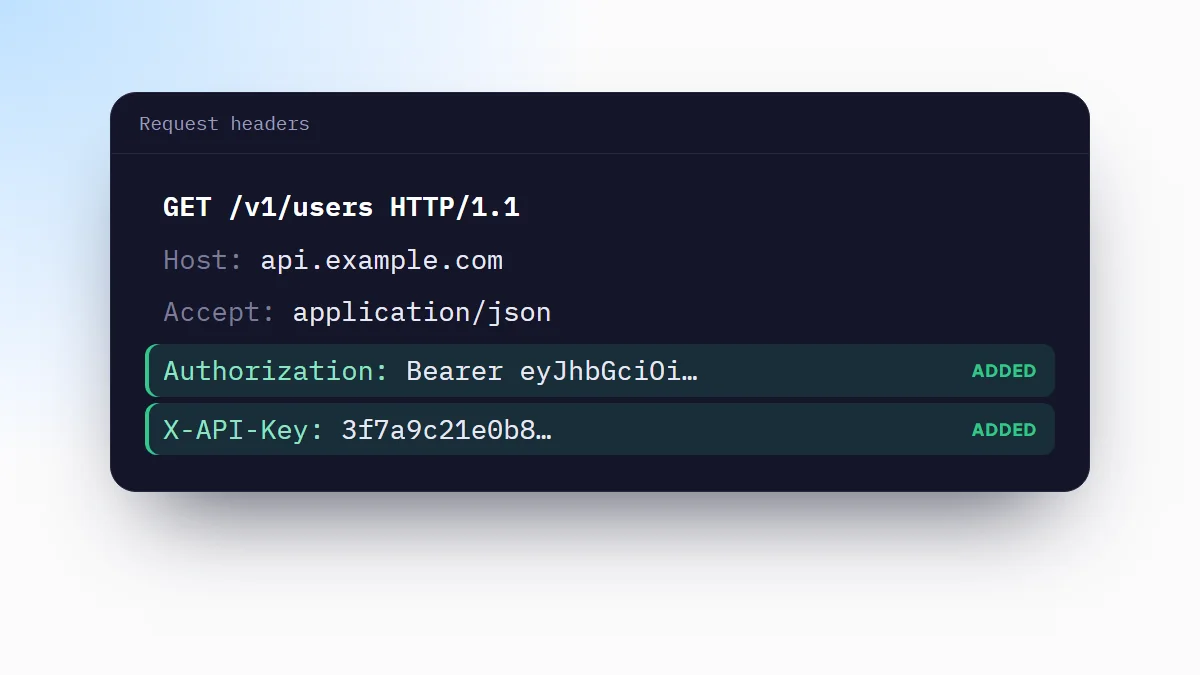
All four tools below change the HTTP headers Chrome sends and receives. They differ in what else they do, how they target requests, whether they import your ModHeader rules and how they charge. Every fact comes from each tool's own Chrome Web Store listing or website, as of September 2026.
What to look for
- Request and response headers. Request headers cover tokens and API keys. Response headers cover CORS, caching and security headers.
- Targeting. A URL filter or a regular expression keeps a header on the sites it belongs to. Without one, a token goes everywhere.
- Profiles. Named sets of rules, one per project or environment, save retyping.
- Import of your existing rules. If you have ModHeader profiles, an importer saves you rebuilding them.
- Extras you actually need. Redirects, request blocking and response mocking are useful, but only if you use them.
- Price model. Free, a one-time payment or a subscription.
Comparison table
"Not listed" means the feature does not appear in the tool's own description. It may exist, but the listing does not say so.
| Feature | ModHeader Extension | Requestly | HeaderSnap | Header Editor Lite |
|---|---|---|---|---|
| Request & response headers | Free | Yes | Yes | Yes |
| Profiles | Free | Not listed | Yes | Not listed |
| Regex targeting | Pro | Not listed | Yes | Not listed |
| Redirects | Pro | Yes | Not listed | Yes |
| Block requests | Pro | Yes | Not listed | Yes |
| Mock API responses | No | Yes | Not listed | Not listed |
| Imports ModHeader backups | Yes | Yes | Yes | Separate tool |
| Price | Free; Pro 4.99 USD once | Free, paid plans | Free | Free |
ModHeader Extension
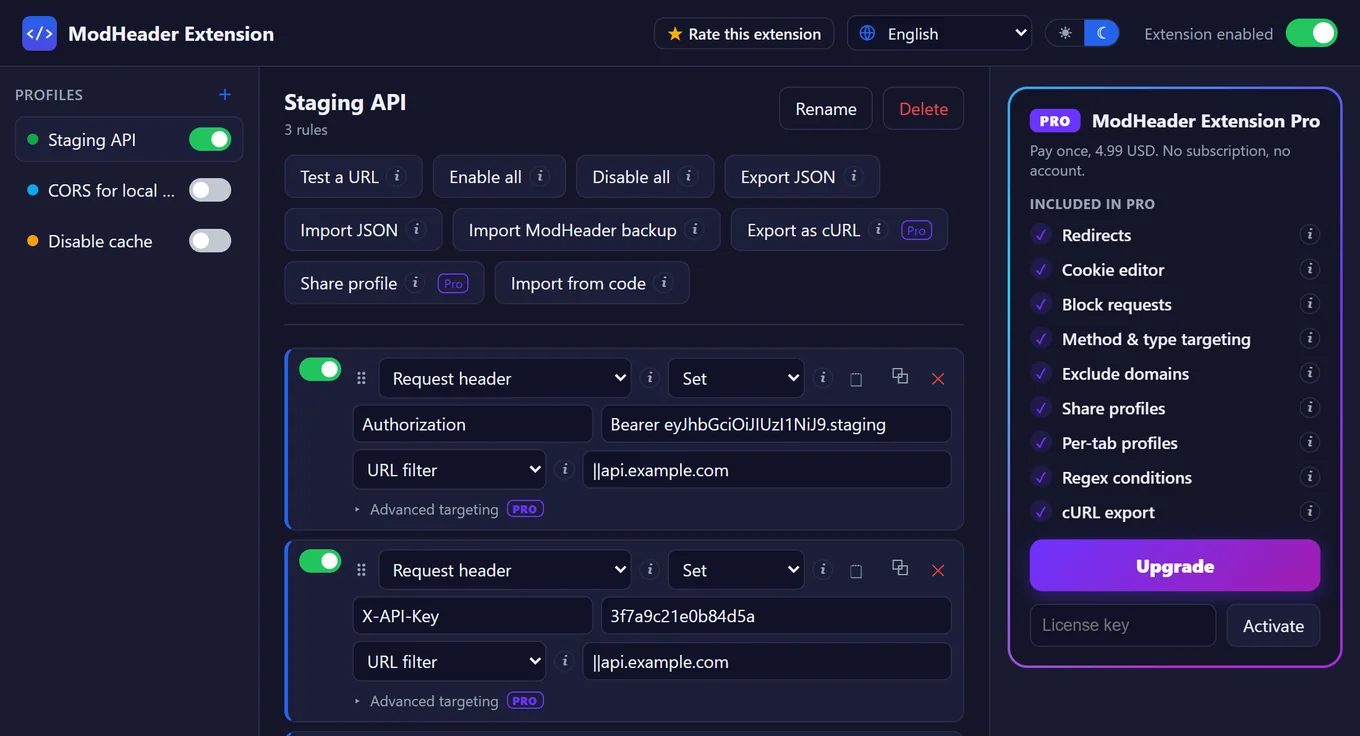
A header editor with rules grouped into profiles and applied by Chrome's own request engine. Request and response headers, unlimited profiles, URL filters, the ModHeader importer and JSON export are free.
Two things it has that the others do not list: Test a URL, which shows which rules would apply to an address and why the others would not, and ready-made templates for CORS during development, bearer tokens, disabled cache and JSON APIs.
Pro is a one-time payment of 4.99 USD, with no subscription. It adds redirects, request blocking, a cookie editor, regex conditions, HTTP method and request type filters, excluded domains, per-tab profiles, profile sharing and cURL export. The extension has no account, and its only network request is the Pro license check.
Requestly
A broader tool than a header editor. Besides modifying request and response headers, its listing covers redirects, host switching, blocking requests, delaying them, mocking API responses (bodies and status codes, including GraphQL) and inserting scripts into pages. It imports ModHeader header profiles, Resource Override configurations and Charles Proxy settings, and shares rules with teammates.
The listing states it offers in-app purchases; the website sells paid plans for teams. Pick it if you mock APIs or need team features, not only headers.
HeaderSnap
A focused header editor. Its listing covers adding, editing and removing request and response headers, named profiles, regex URL matching, one-click import of ModHeader rules and profile export for teams.
It is free with unlimited rules and profiles and no account. It does not list redirects, blocking or cookie editing, so it fits people who only need headers.
Header Editor Lite
A free rule-based extension that modifies request headers, response headers, redirects requests and cancels them. It is available in 10 languages. Instead of a built-in ModHeader importer, it points to a separate migration website.
It suits users who want redirects and blocking at no cost and are comfortable setting up rules by pattern.
Bring your existing rules
- Find your backupAny ModHeader backup in JSON format works.
- Import itIn ModHeader Extension, open the editor and choose Import ModHeader backup (how to use ModHeader shows where). Your profiles are added next to the existing ones; nothing is overwritten.
- Check one ruleOpen Test a URL with an address you use, and confirm the rules you expect are marked as applying.
Requestly and HeaderSnap import the same backups; the steps are similar in each.
Which one to choose
- Only headers, free: ModHeader Extension or HeaderSnap.
- Headers plus redirects, blocking and cookies, without a subscription: ModHeader Extension with Pro.
- Redirects and blocking, free, with pattern-based rules: Header Editor Lite.
- API mocking, script injection or team plans: Requestly.
Frequently asked questions
What is the best free ModHeader alternative?
For headers only, HeaderSnap and the free version of ModHeader Extension both edit request and response headers with profiles and import ModHeader rules at no cost. Header Editor Lite is free and adds redirects and request blocking.
Can I import my ModHeader profiles?
Yes, into ModHeader Extension, Requestly and HeaderSnap, which all list ModHeader import. Header Editor offers a separate migration tool.
Which alternative can also redirect or block requests?
Requestly and Header Editor Lite list both in their Chrome Web Store descriptions. ModHeader Extension includes both in Pro.
Which ModHeader alternative can mock API responses?
Requestly. It can override response bodies and status codes and insert scripts, which the other three do not list.