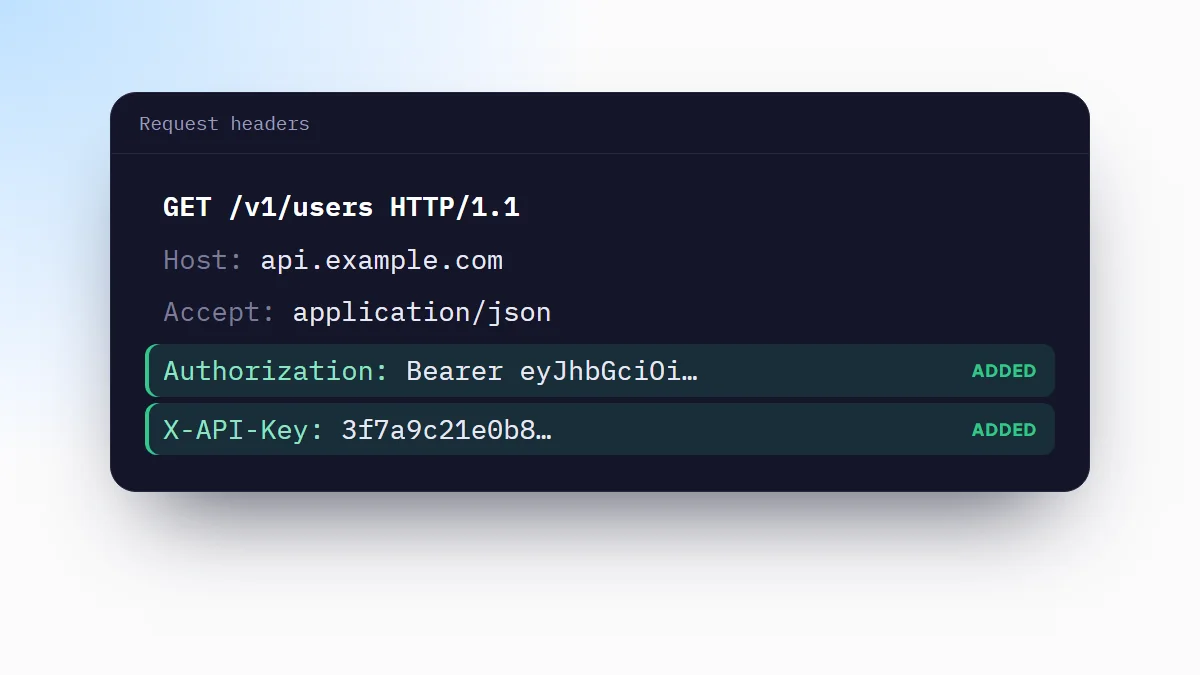
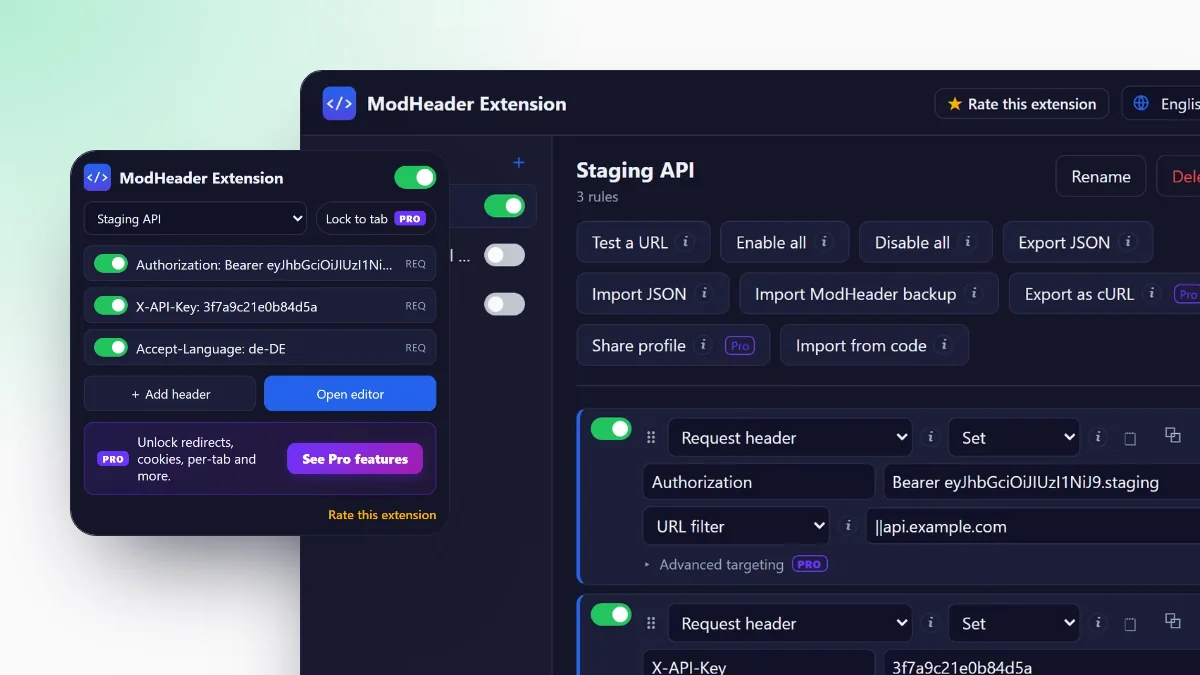
A CORS error means the server answered, but Chrome would not let your page read the answer. The fix belongs on the server. While you wait for it, you can add the missing headers in Chrome and keep building your front end.
Read the error message
Chrome prints the reason in the DevTools console. The most common one:
Access to fetch at 'https://api.example.com/users' from origin
'http://localhost:3000' has been blocked by CORS policy: No
'Access-Control-Allow-Origin' header is present on the requested resource.
It names the URL you called, the origin your page runs on (scheme, host and port) and what was missing. The other messages you will meet:
- Response to preflight request doesn't pass access control check: the browser asked permission first with an
OPTIONSrequest and the answer was missing headers or had an error status. - Request header field authorization is not allowed by Access-Control-Allow-Headers: you send a header the server did not list as allowed.
- The value of the 'Access-Control-Allow-Origin' header must not be the wildcard '*' when the request's credentials mode is 'include': you send cookies, so
*is not accepted.
Which header fixes which message
| Message says | Header to send back | Value |
|---|---|---|
| No 'Access-Control-Allow-Origin' header is present | Access-Control-Allow-Origin | Your page's origin, or * |
| Request header field … is not allowed | Access-Control-Allow-Headers | The header names you send |
| Method … is not allowed | Access-Control-Allow-Methods | The method, for example PUT, DELETE |
| Must not be the wildcard '*' … credentials | Access-Control-Allow-Origin and -Allow-Credentials | Exact origin, and true |
| Response to preflight … doesn't pass | Any of the above, on the OPTIONS response | Plus a 2xx status from the server |
The real fix is on the server
The server has to return Access-Control-Allow-Origin with the origin of your page, plus the allowed methods and headers when the browser sends a preflight. In Express, the cors package does it:
const cors = require('cors');
app.use(cors({ origin: 'http://localhost:3000', credentials: true }));
In Nginx, add the headers and answer OPTIONS directly:
add_header Access-Control-Allow-Origin  "http://localhost:3000" always;
add_header Access-Control-Allow-Methods "GET, POST, PUT, DELETE, OPTIONS" always;
add_header Access-Control-Allow-Headers "Authorization, Content-Type" always;
if ($request_method = OPTIONS) { return 204; }
Use your real origins in production, not *. The always flag makes Nginx send the headers on error responses too, which is where CORS errors often hide.
Unblock it in Chrome while you develop
When you cannot change the server yet, add the response headers in the browser. Chrome then treats the response as if the server had sent them.
- Install ModHeader ExtensionAdd it from the Chrome Web Store. New to it? The guide on how to use ModHeader explains profiles and rules.
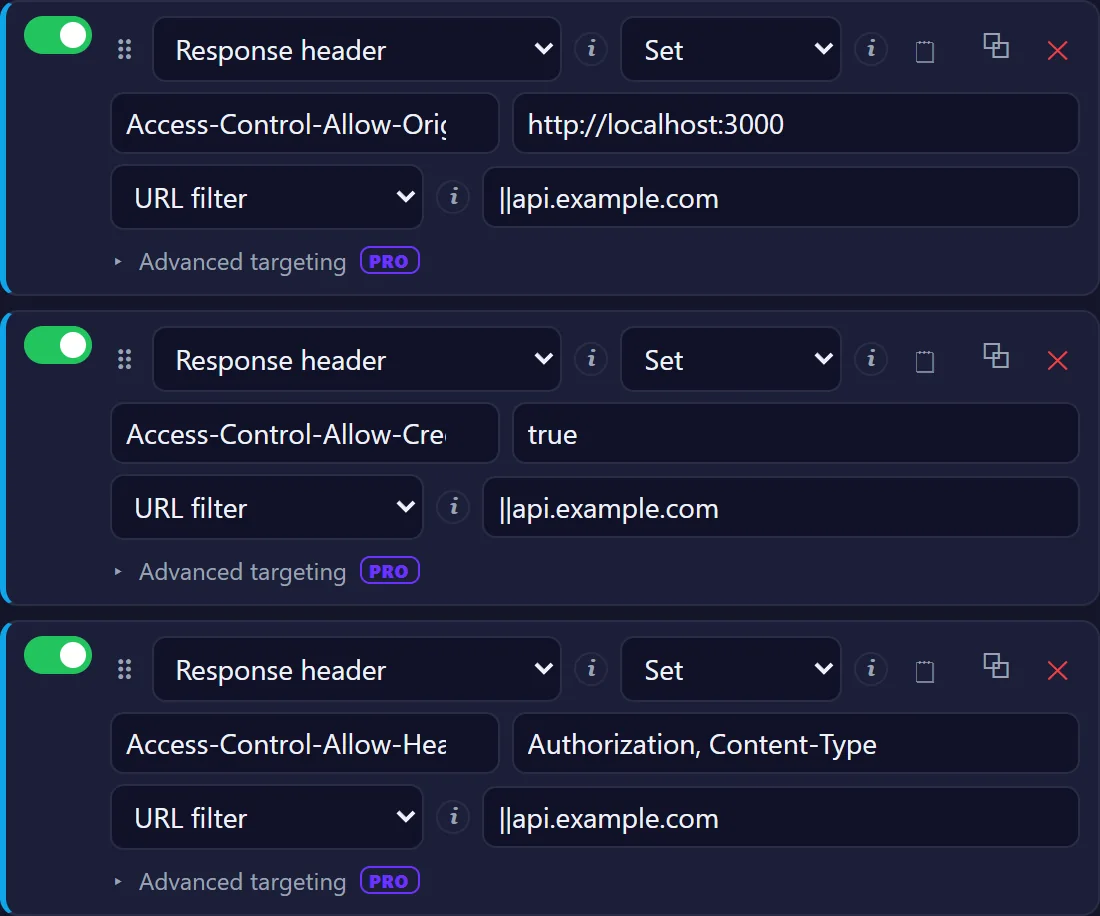
- Start from the CORS templateIn the editor, create a new profile and choose CORS (allow all). It adds three response headers:
Access-Control-Allow-Origin: * Access-Control-Allow-Headers: * Access-Control-Allow-Methods: GET, POST, PUT, DELETE, OPTIONS - Scope it to the APISet Apply to on each rule to a URL filter such as
||api.example.com, so only that API gets the headers. - Reload your appCalls to the API now pass. Response headers are part of the free version.
Preflight requests
Before a request that uses a method other than GET, HEAD or POST, a custom header such as Authorization, or Content-Type: application/json, Chrome sends an OPTIONS request to ask permission. The allow headers from your rule answer it.
OPTIONS /users: may this origin sendAuthorization?204+ theAccess-Control-Allow-*headersGET /userswithAuthorization200+ allow header: the page reads it ✓
The preflight also needs a successful status. If the server answers OPTIONS with 404, 405 or 500, adding headers does not help, because a header rule cannot change the status code. Check the OPTIONS request in the Network tab: if its status is an error, the server has to handle it.
Cookies and the * wildcard
If your front end sends cookies or HTTP authentication (credentials: 'include' in fetch, withCredentials in XHR or axios), Chrome rejects *. Change the rules to:
Access-Control-Allow-Origin: http://localhost:3000
Access-Control-Allow-Credentials: true
The origin has to match your page exactly, port included.
Find the request that failed
The console message names the URL, but the details are in the Network tab:
- Filter by the APIType the API's domain in the filter box and reload.
- Look for a pairA preflighted call shows up twice: an
OPTIONSrequest, labelled preflight, and the real one. If the preflight fails, the real request is never sent. - Read the response headersSelect the request that failed and check which
Access-Control-Allow-*headers came back, and with which values.
Two details catch most people. The origin includes the port, so http://localhost:3000 and http://localhost:5173 are different origins. And localhost and 127.0.0.1 are different origins too, even though they reach the same machine.
Turn it off when you finish
CORS protects you as much as it blocks you: it stops the sites you visit from reading responses they have no business seeing, such as a service on your machine or your company's internal tools. A rule that allows every origin on every site removes that protection while it is on. Keep the rules behind a URL filter, keep them in their own profile, and switch the profile off when you are done. Alt+Shift+H turns every rule off at once.
Why not --disable-web-security
Starting Chrome with --disable-web-security and a separate --user-data-dir turns off same-origin checks for every site in that window, not just your API. It is easy to leave that window open and browse in it, it needs its own profile with no extensions or logins, and it hides exactly the errors your users will get. A scoped response header rule changes only the API you are working on.
Frequently asked questions
What is a CORS error?
It is Chrome refusing to hand a response to a page because the server did not say, through Access-Control-Allow-* headers, that the page's origin may read it. The request usually reaches the server; the browser blocks the answer.
Why does the request work in Postman or curl but not in Chrome?
CORS is enforced by browsers only. Postman and curl do not check Access-Control-Allow-* headers, so the same request succeeds there and fails in a web page.
How do I fix No 'Access-Control-Allow-Origin' header is present?
Make the server return Access-Control-Allow-Origin with your page's origin, for example http://localhost:3000. While you develop, you can add that response header in Chrome with a header rule scoped to the API.
Is it safe to disable CORS in Chrome?
Only for your own API while you test. Allowing every origin on every site removes a protection for all the pages you visit, so scope the rule to the API's URL and turn it off when you finish.