Fake Filler fills every field of a form with random data in one click, and it is the first result most developers find. Depending on what you test, you may want country-specific data, valid bank and ID numbers, saved profiles, or a price without a subscription. Every fact below comes from each tool's own Chrome Web Store listing or website, as of September 2026.
What to look for
- Whole form or field by field. Some tools fill the entire page at once; others insert a value where you right-click.
- Random or recorded data. Random data is new every time. Recorded data repeats what you typed once.
- Country formats and valid numbers. Forms that validate an IBAN, a tax ID or a postal code reject random digits.
- Control over fields. Custom rules, fixed values and fields to skip.
- Price model. Free, a one-time payment or a subscription.
Comparison table
"Not listed" means the feature does not appear in the tool's own description. It may exist, but the listing does not say so.
| Feature | Form Filler | Fake Filler | Fake Data | QuickForm |
|---|---|---|---|---|
| Fills the whole form at once | Free | Yes | Not listed | Yes |
| Type of data | Random | Random | Random, per field | Recorded from your input |
| Keyboard shortcut | Free | Yes | Alt + double click | Not listed |
| Right-click menu | Free | Not listed | Yes | Yes |
| Country-specific data | Free, 8 locales | Not listed | Not listed | Not listed |
| Valid IBAN and national IDs | Pro | Not listed | Not listed | Not listed |
| Custom field rules | Pro | 25 free, unlimited Pro | JavaScript generators | Not listed |
| Saved profiles | Pro | Per URL | Not listed | Yes |
| Import and export | Pro | Not listed | CSV and Google Sheets data (Pro) | Yes, including CSV |
| Price | Free; Pro 4.99 USD once | Free; Pro 3.99 USD/month or 40 USD/year | Free; Pro 4.99 EUR lifetime, Ultra 2.99 EUR/month | Free |
Form Filler
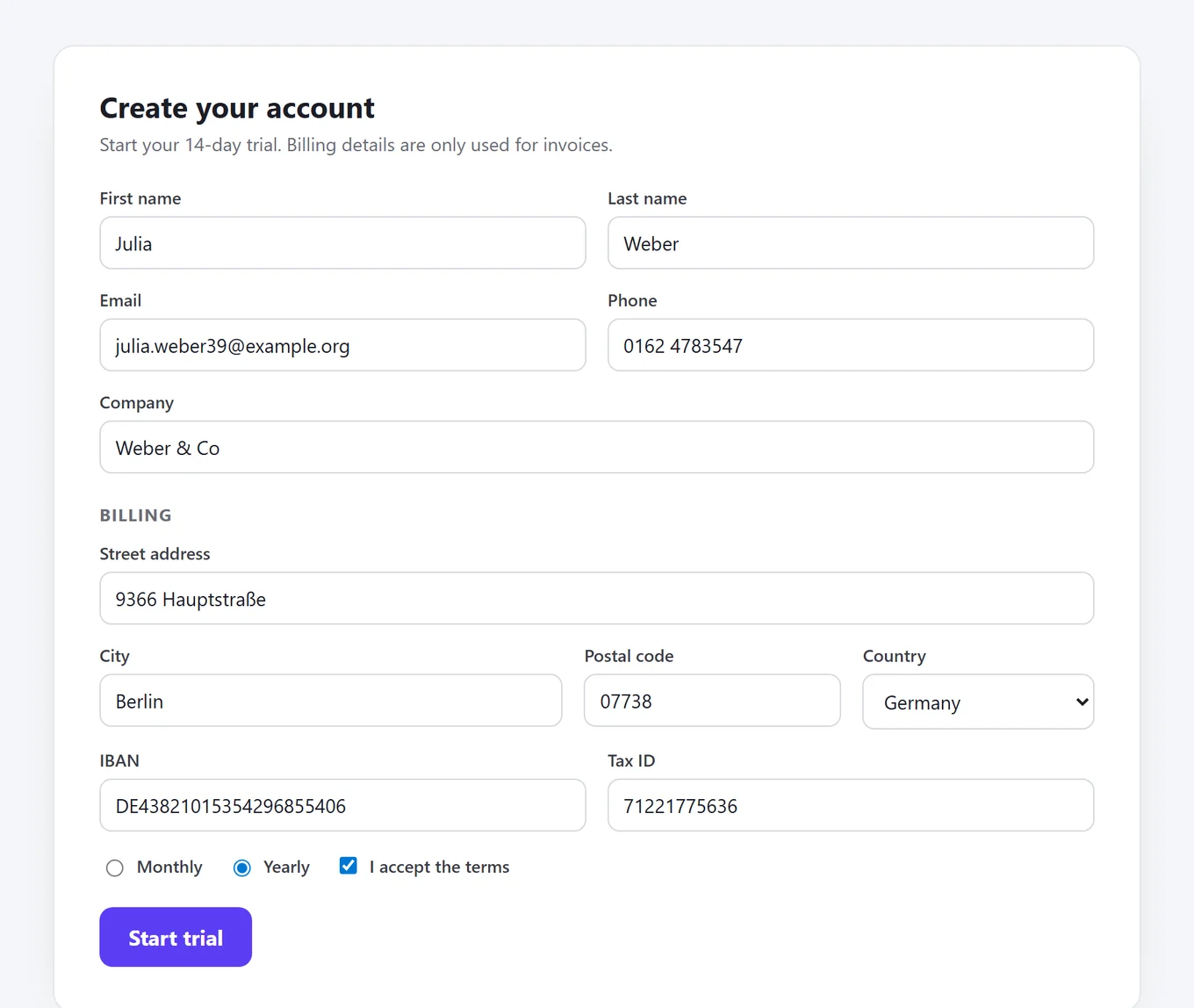
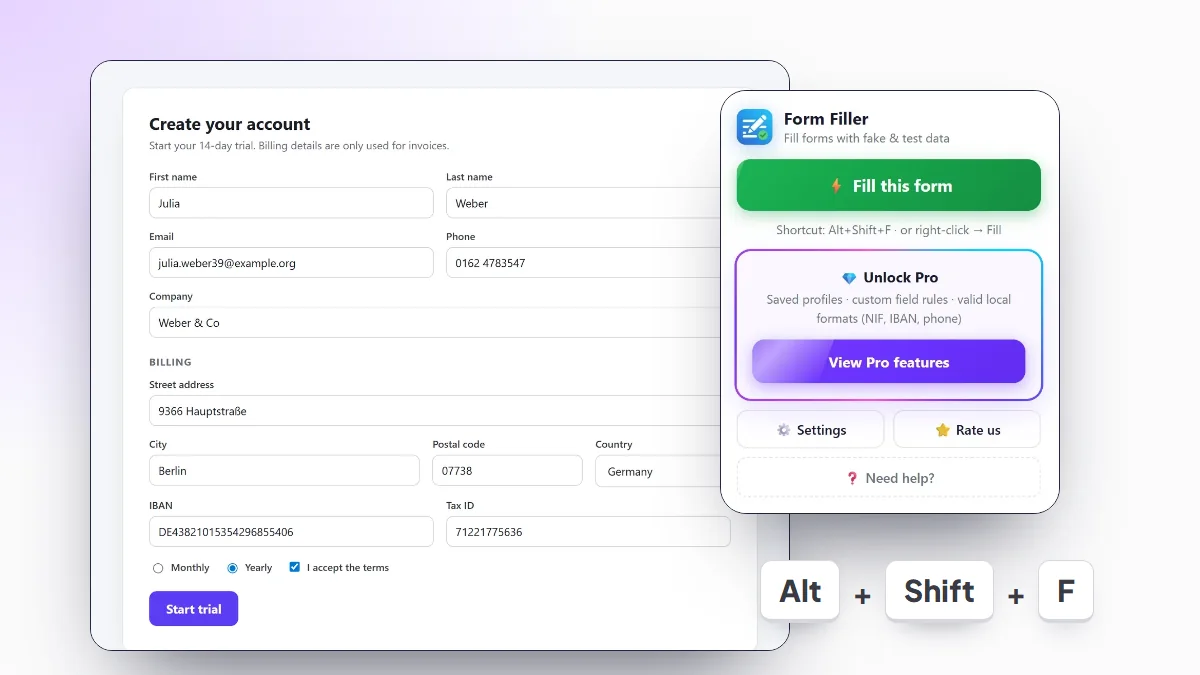
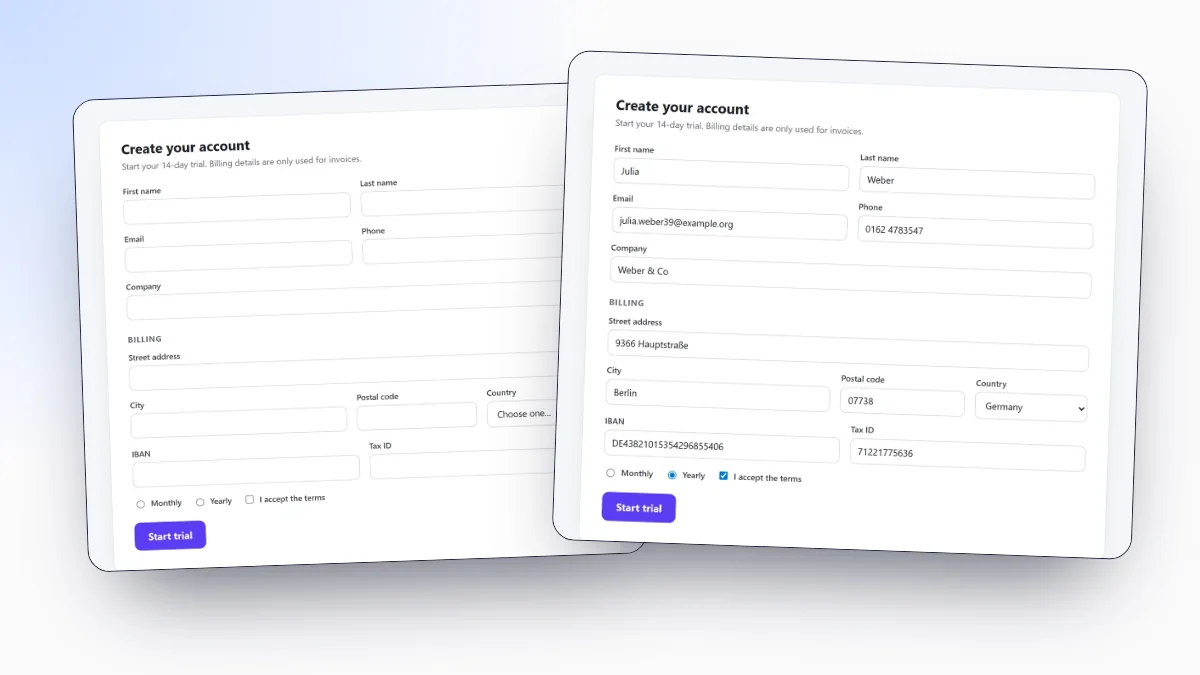
Our extension, built for developers and QA testers. It fills every field of the page with one shortcut (Alt+Shift+F), the right-click menu or the toolbar button, including dropdowns, radio groups, checkboxes, custom selects such as select2 and fields in open Shadow DOM. Data follows one of eight locales: US, UK, Spain, Mexico, Portugal, France, Germany and Italy.
Pro is a one-time payment of 4.99 USD. It adds saved profiles with fixed values, custom field rules, a never-fill list, field formats, import and export, and checksum-valid IBANs and national IDs. It needs no account and sends no telemetry. The guide to autofill forms in Chrome walks through the setup.
Fake Filler
The classic. Its listing describes filling all inputs on a page with fake data in one action, and fakefiller.com adds custom fields, URL-specific profiles and settings sync. The free Lite plan has no ads or tracking and allows 25 custom fields; Pro removes that limit for 3.99 USD a month or 40 USD a year. Its listing does not mention country-specific data or valid IBANs and IDs. Last updated in August 2024 (version 4.1.0).
Fake Data
"A form filler you won't hate" works field by field: right-click an input and choose the kind of data, or Alt + double click it (Cmd + double click on a Mac). You can write your own generators in JavaScript. Its paid tiers are Pro, a lifetime license for 4.99 EUR, and Ultra, 2.99 EUR a month. They add customisation without code, data from CSV files and Google Sheets and Google Forms support, and Ultra adds disposable email addresses and phone numbers that receive SMS.
QuickForm
A different approach: instead of random data, it records what you type into a form and refills it later with one click from the toolbar or the right-click menu. It supports multiple and duplicated profiles and import and export, now including CSV, and it is free with no premium tier. Good when you need the same known values every time; less so when you need a new user for each test.
Bug Magnet
Not a form filler, but useful next to one. It is a free, open-source extension that adds common problem values and edge cases to the right-click menu of editable fields, for exploratory testing. It works in frames from the same domain and can be extended with your own config files. Fill the form with valid data first, then use Bug Magnet on the fields you want to break.
Which one to choose
- Random data for the whole form, free: Form Filler or Fake Filler.
- Local formats, valid IBANs and IDs, no subscription: Form Filler with Pro.
- Custom generators written in JavaScript: Fake Data.
- The same recorded values every time: QuickForm.
- Edge cases and invalid input: Bug Magnet, next to any of the others.
Need only one valid number? The IBAN generator creates test IBANs for 36 countries in the browser.
Frequently asked questions
Is Fake Filler free?
It has a free Lite plan with up to 25 custom fields. Its Pro plan, with unlimited custom fields, costs 3.99 USD a month or 40 USD a year, according to fakefiller.com in September 2026.
Which Fake Filler alternative has no subscription?
Form Filler charges once (4.99 USD) for Pro, Fake Data sells a lifetime Pro license besides its Ultra subscription, and QuickForm and Bug Magnet are free.
Which alternative generates valid IBANs and national IDs?
Form Filler Pro fills checksum-valid IBANs and national IDs for Spain, Portugal, France, Germany and Italy, plus the Mexican CLABE. The other tools do not list them.
Which one is best for edge cases and invalid input?
Bug Magnet. It adds a right-click menu of problem values, such as very long strings or unusual characters, instead of filling the whole form with valid data.