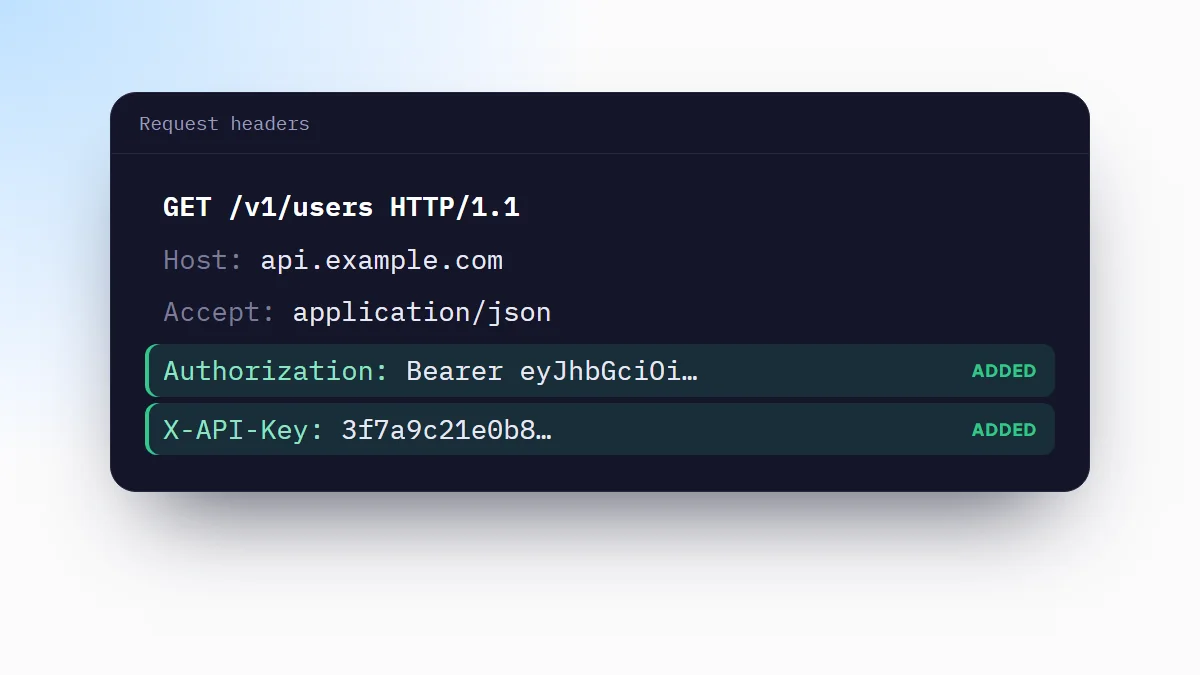
Chrome tells every site what it is in two places: the User-Agent header, which travels with each request and is what the server reads, and navigator.userAgent, which scripts on the page read. Some methods change both, some only the header. Which one you need depends on who has to be fooled: the server or the page.
What the User-Agent looks like
This is what Chrome on Windows sends:
User-Agent: Mozilla/5.0 (Windows NT 10.0; Win64; x64) AppleWebKit/537.36 (KHTML, like Gecko) Chrome/140.0.0.0 Safari/537.36Chrome sends a reduced string: the minor version is always 0.0.0 and the Windows version is frozen at 10.0. The details now go in separate headers called Client Hints, which many sites read instead of the string:
Sec-CH-UA: "Chromium";v="140", "Google Chrome";v="140"
Sec-CH-UA-Mobile: ?0
Sec-CH-UA-Platform: "Windows"
A site that detects phones with Sec-CH-UA-Mobile will keep serving the desktop page if you only change the User-Agent string.
Change it in DevTools
- Open Network conditionsPress F12, open the three-dot menu of DevTools and choose More tools > Network conditions.
- Untick Use browser defaultUnder User agent, untick Use browser default, then pick a browser from the list or paste your own string. The User agent client hints section below lets you set the matching Client Hints.
- Reload the pageThe page is requested again with the new value, and
navigator.userAgentreturns it too.
It only applies to that tab, and only while DevTools stays open. Close DevTools and the next reload goes out with your real User-Agent.
Pretend to be a phone with the device toolbar
With DevTools open, press Ctrl+Shift+M (Cmd+Shift+M on a Mac) and choose a device such as iPhone 14 or Pixel 7. Chrome switches the User-Agent, the viewport size, the pixel ratio and touch events together, which is what you want when you are checking a responsive layout or a script that looks at the screen. Same limit as above: one tab, while DevTools is open.
Change it on every request with a header rule
When the check is on the server side (a backend that serves a different page to phones, an API that rejects some clients, a firewall rule) you want the new User-Agent on every request to that site, without DevTools open. A request header rule does that.
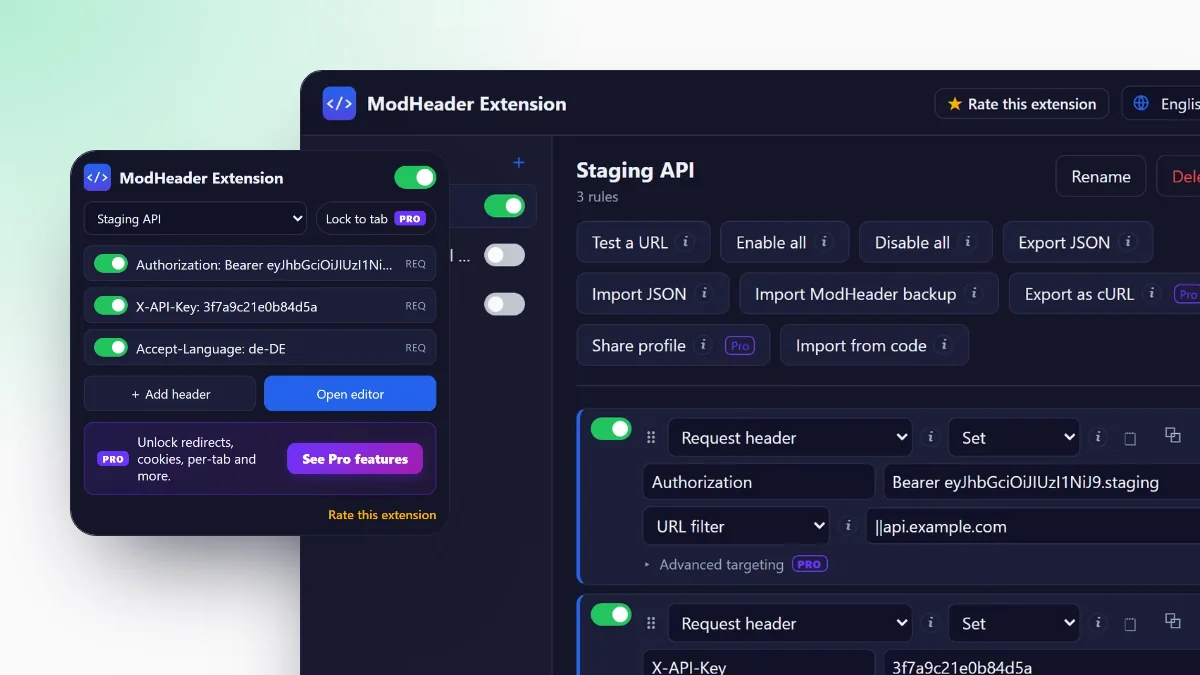
- Install ModHeader ExtensionAdd it from the Chrome Web Store. The guide on how to use ModHeader explains profiles and rules.
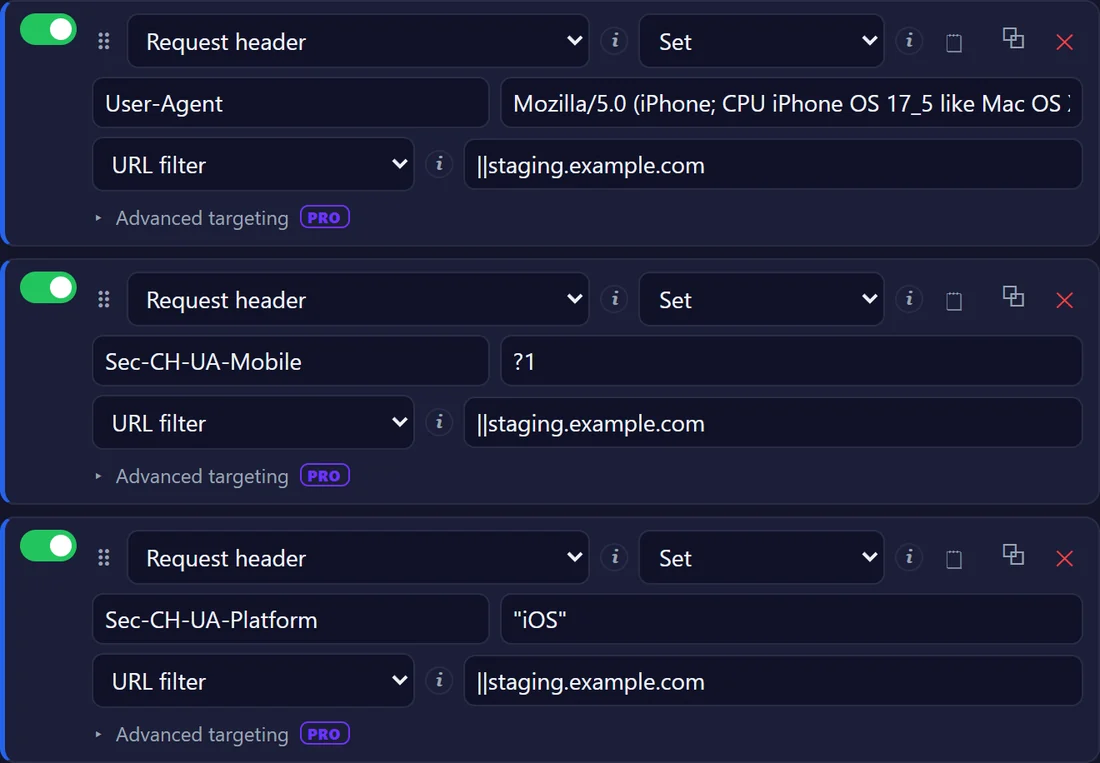
- Add a User-Agent ruleClick the icon, choose Add header, type
User-Agentas the name and paste the string you want as the value. - Add the Client HintsFor a phone, add
Sec-CH-UA-Mobilewith?1andSec-CH-UA-Platformwith"iOS"or"Android", quotes included. - Limit it to your siteSet Apply to to a URL filter such as
||staging.example.com, so other sites keep receiving your real browser.
GET /withUser-Agent: …Windows…- Desktop page
GET /withUser-Agent: …iPhone…set by the rule- Mobile page ✓
A header rule changes what the server receives. navigator.userAgent and navigator.userAgentData keep returning your real browser, so a site that detects the device in JavaScript will not be fooled. For that, use DevTools or the device toolbar.
Which method to use
| Method | Changes the header | Changes navigator.userAgent | Where it applies |
|---|---|---|---|
| DevTools Network conditions | Yes | Yes | One tab, while DevTools is open |
| Device toolbar | Yes | Yes | One tab, while DevTools is open |
| Header rule (ModHeader Extension) | Yes | No | Every tab, only the sites you choose |
--user-agent flag | Yes | Yes | The whole browser, every site |
The flag goes on the command that starts Chrome, for example chrome.exe --user-agent="…" on Windows. Use it with a separate --user-data-dir, or it changes nothing if Chrome is already running.
User-Agent strings to copy
iPhone, Safari
Mozilla/5.0 (iPhone; CPU iPhone OS 17_5 like Mac OS X) AppleWebKit/605.1.15 (KHTML, like Gecko) Version/17.5 Mobile/15E148 Safari/604.1Android, Chrome
Mozilla/5.0 (Linux; Android 10; K) AppleWebKit/537.36 (KHTML, like Gecko) Chrome/140.0.0.0 Mobile Safari/537.36Windows, Firefox
Mozilla/5.0 (Windows NT 10.0; Win64; x64; rv:140.0) Gecko/20100101 Firefox/140.0Googlebot
Mozilla/5.0 (compatible; Googlebot/2.1; +http://www.google.com/bot.html)Sending the Googlebot string shows what a site serves to crawlers that trust the name. Sites that verify Googlebot by IP address will still treat you as a normal visitor.
Check what the server receives
Open DevTools, go to Network, reload and select the first request. The value under Request Headers > user-agent is what the server got. Typing navigator.userAgent in the console tells you what scripts see, which with a header rule is still your real browser: that is expected.
When the site ignores the new User-Agent
- It reads Client Hints. Set
Sec-CH-UA-MobileandSec-CH-UA-Platformas well. - It decides in JavaScript. A header rule cannot help; use the device toolbar.
- It looks at the screen size. A phone User-Agent on a wide window still gets the desktop layout from CSS media queries. The device toolbar changes the viewport too.
- The response was cached. Tick Disable cache in the Network tab and reload.
- The rule does not match. Paste the page's address into Test a URL in the editor to see whether the rule applies and, if not, why.
Frequently asked questions
Can I change the User-Agent in Chrome without an extension?
Yes. In DevTools, open More tools > Network conditions and untick Use browser default under User agent, or turn on the device toolbar with Ctrl+Shift+M. Both only affect the tab where DevTools is open, and only while it stays open.
Does changing the User-Agent also change navigator.userAgent?
It depends on the method. DevTools and the --user-agent command-line flag change both the header and navigator.userAgent. A header rule in an extension changes only the header the server receives; scripts on the page still read your real browser.
How do I make Chrome look like a phone?
For the layout and scripts, use the device toolbar (Ctrl+Shift+M) and pick a phone. For the server, send a mobile User-Agent with a header rule and add Sec-CH-UA-Mobile set to ?1, because many sites read that Client Hint instead of the User-Agent string.
Why does the site still show the desktop version?
The site may decide with Client Hints (Sec-CH-UA-Mobile, Sec-CH-UA-Platform), with JavaScript (navigator.userAgent or navigator.userAgentData), with the screen width, or from a cached response. Change the Client Hints too, use the device toolbar for script and layout checks, and reload with the cache disabled.